

The admin
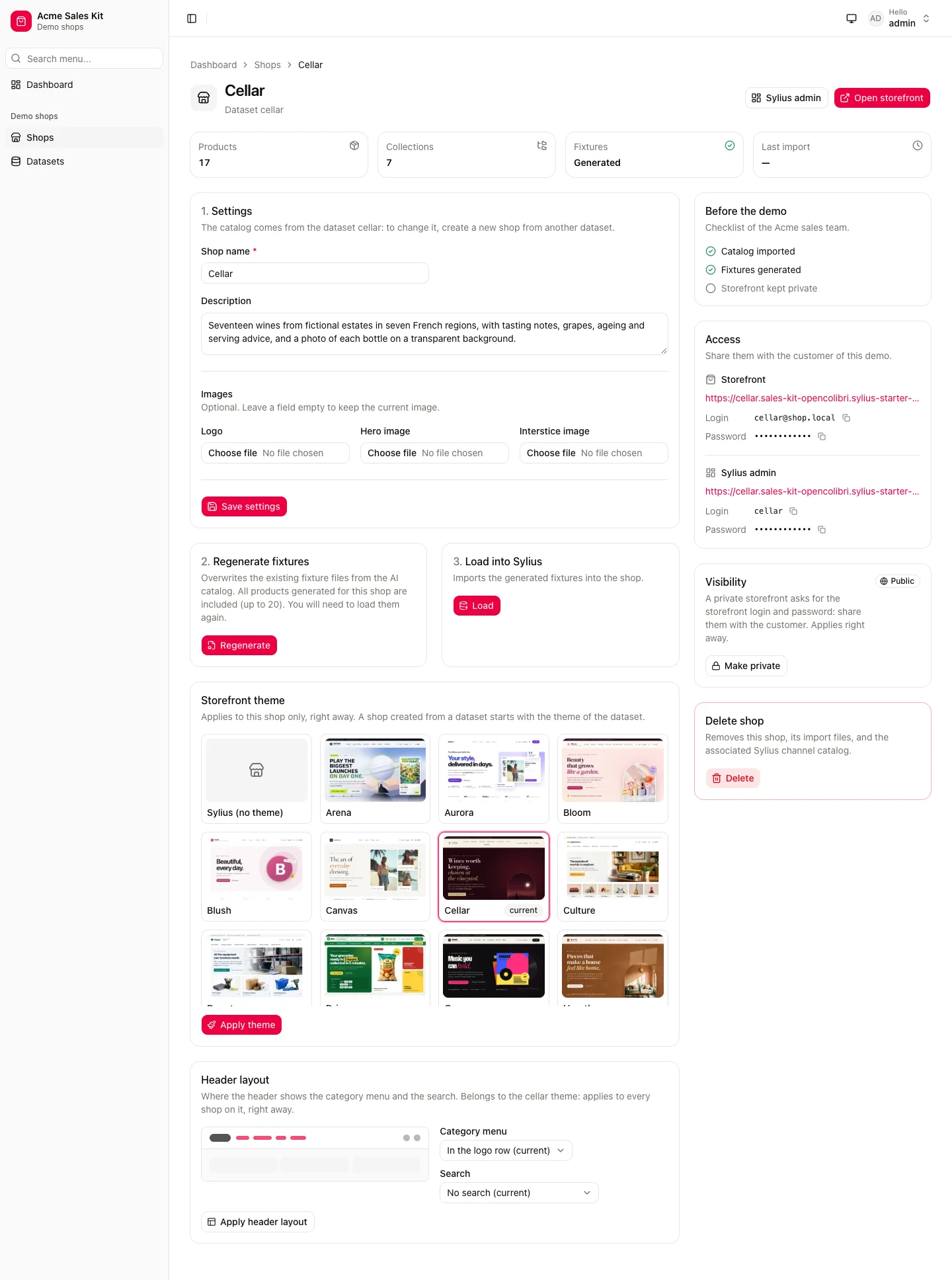
The shop list shows each demo shop with its dataset, theme, products and fixtures, and filters them by dataset, theme, fixtures or visibility. Each shop has its page:
- its settings (name, description, logo and images), then the steps to generate its fixtures and load them into Sylius;
- its storefront theme, picked from thumbnails, and the header layout of that theme, with a preview of where the menu and the search go. The header layout belongs to the theme: it applies to every shop on it;
- the access to share with the customer: the storefront and its demo customer, and the Sylius admin of the shop, restricted to its channel;
- its visibility: a private shop only lets its demo customer into its storefront;
- its deletion.
Datasets
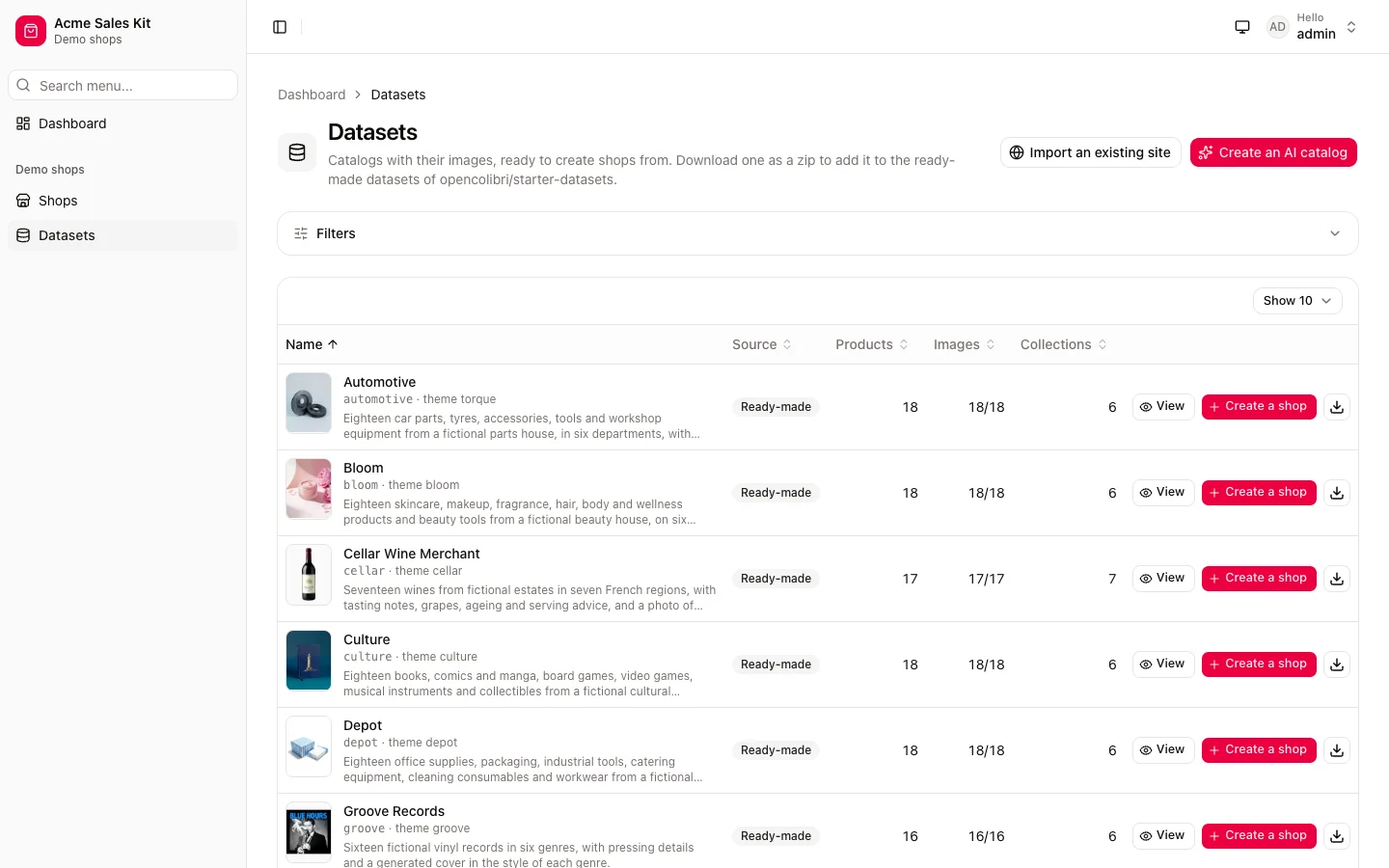
Section titled “Datasets”The datasets are the ready-made ones of opencolibri/starter-datasets and the ones built from an AI description or an
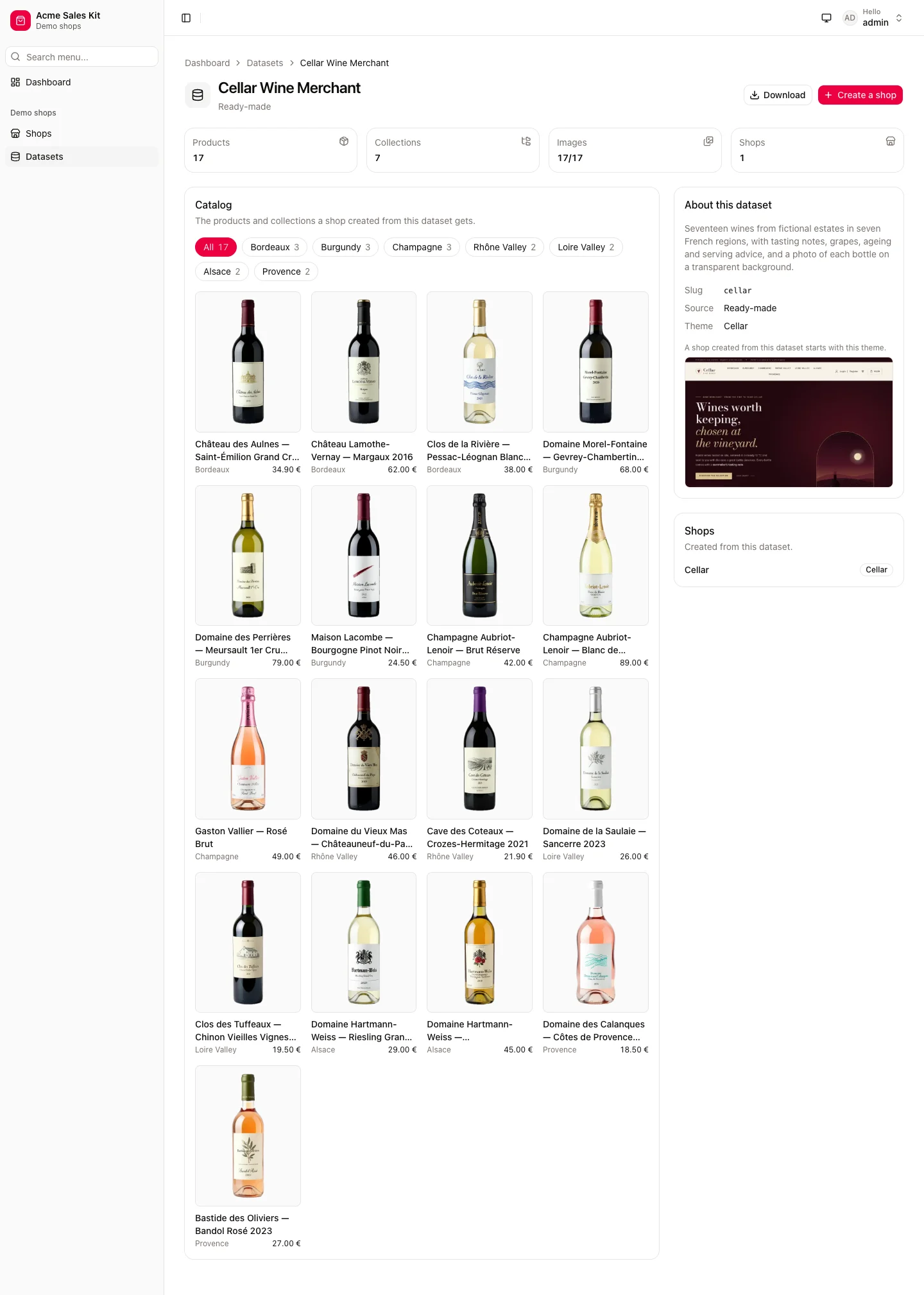
existing website. Each one has a page with its catalog (products by collection, images, prices) and the shops created
from it, to check what a shop gets before creating it. A dataset can be downloaded as a zip, to add it to the
ready-made ones.
| Datasets | A dataset |
|---|---|
 |  |
Generating a catalog, loading fixtures or deleting a shop takes a while: the admin starts them through castor-api and shows their progress, on the dashboard and on the page they concern. Two runs on the same shop or dataset do not overlap: the admin says which one is still running.